Tool availability
Enable toolsets by platform and filter tools exposed by MCP servers. Make the available tool surface fit the task.
Tool configuration ↗ Talk to us ↗
CONTROL & GOVERNANCE
Operate Nedura in your environment and configure tool access and approval behavior. Choose Nedura Gov when the Sevengate governance layer is required.
01 / THE BASELINE
Enable toolsets by platform and filter tools exposed by MCP servers. Make the available tool surface fit the task.
Tool configuration ↗Keep configuration, credentials, memory, sessions, skills, and gateway state in independent profiles.
Profile boundaries ↗Configure how dangerous command patterns are handled. The security guide describes approval modes and unattended behavior.
Approval modes ↗02 / DATA FLOW
Nedura runs in your cloud tenant or on your servers. Model calls use configured providers, and connected tools may communicate with external services.
A customer-operated runtime does not by itself make every call private or offline. Review provider endpoints, tool credentials, messaging channels, and execution backends together.
The security documentation covers command approvals, messaging authorization, and isolation options. Review current behavior for the setup you choose.
Read the security guide ↗03 / NEDURA GOV

For defense, federal, and regulated organizations, Nedura Gov adds the Sevengate governance layer to the Nedura foundation.
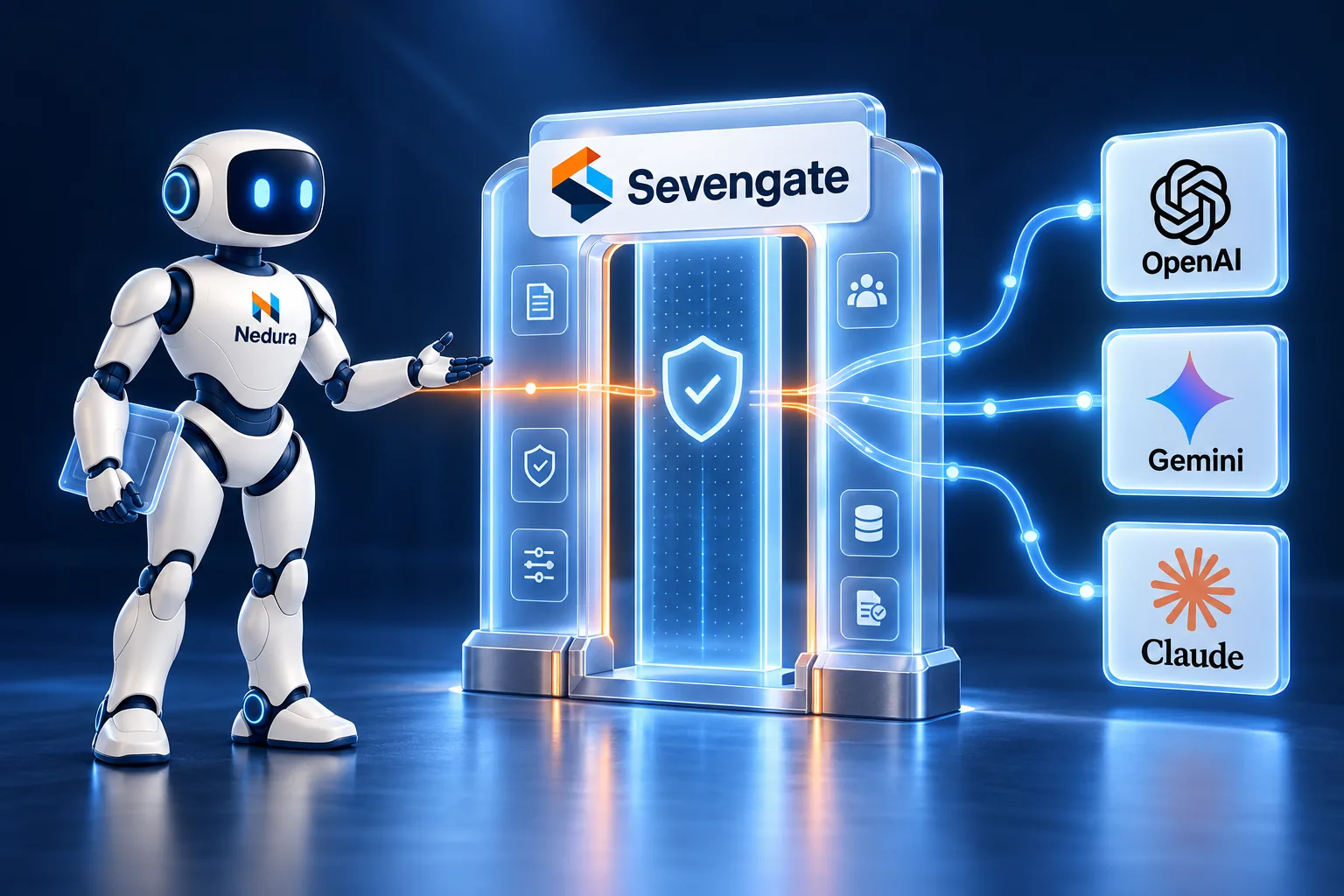
Actions begin denied and proceed when policy allows them.
Human approval can be required for sensitive actions.
Tamper-evident, hash-chained audit decisions support traceability.
Approve or deny in the terminal, in chat, or in Microsoft Teams with Microsoft Entra identity. A request nobody answers expires and is recorded as not approved.
An installation policy lists the model providers, and optionally the models, the agent may use. Anything else is refused.
Verify the audit hash chain on demand and anchor it to a separate log so truncation is detectable.
04 / PLAN THE ROLLOUT
Discuss your environment and requirements with support. These capability descriptions do not assert a compliance certification.