Provider setup
Select a provider, authenticate as required, and choose a model your environment can access.
Provider setup ↗ Talk to us ↗
MODELS, TOOLS & CHANNELS
Choose model providers, connect the channels your team uses, and extend capabilities through built-in toolsets, MCP servers, and plugins.
01 / MODEL CONNECTIONS
Nedura supports configured model providers and OpenAI-compatible endpoints, including self-hosted endpoints. Verify a normal conversation before adding routing or fallback behavior.
Fallback providers can help a session continue when the primary provider encounters errors. Same-provider credential pools and cross-provider fallback are optional, separate mechanisms.
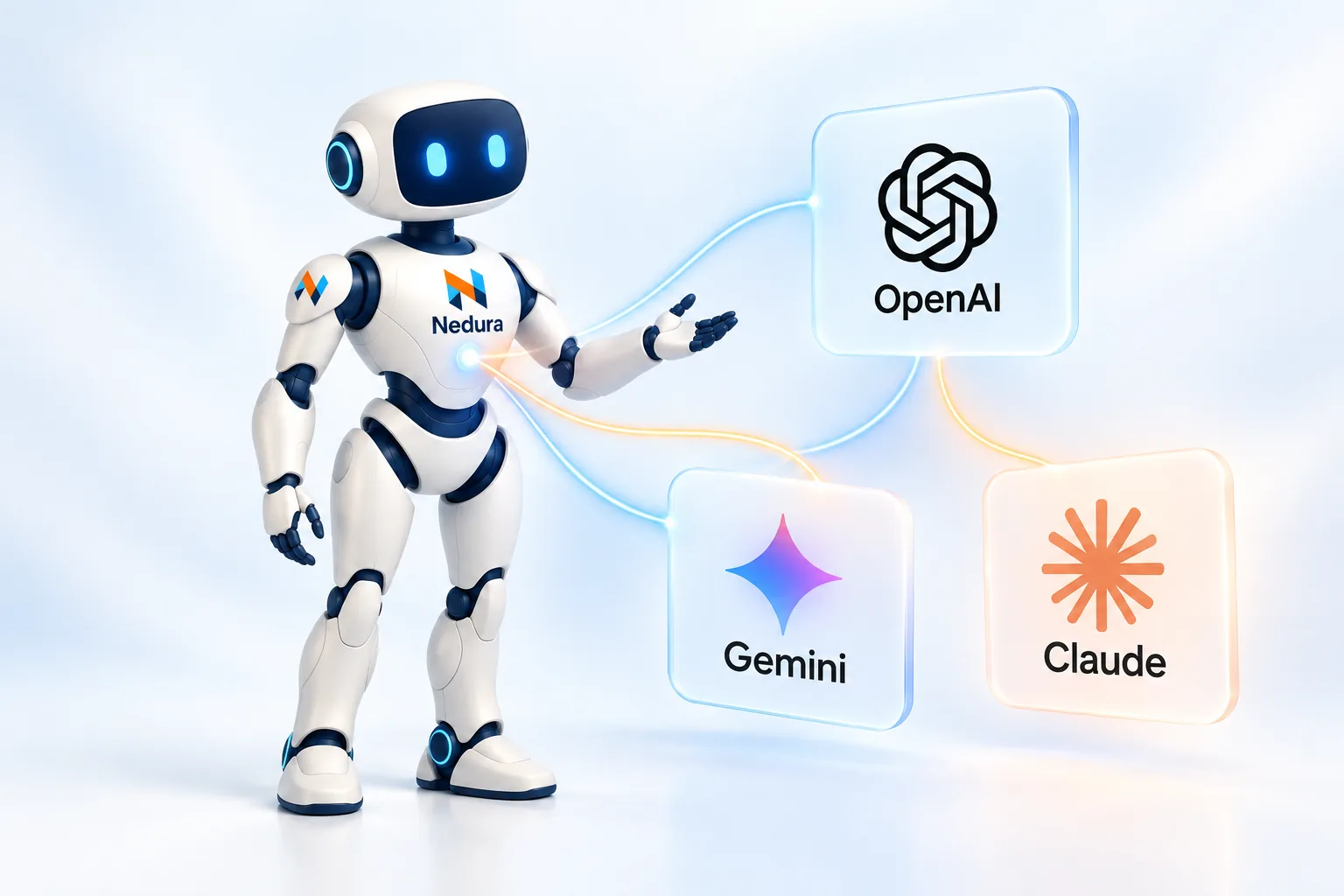
Select a provider, authenticate as required, and choose a model your environment can access.
Provider setup ↗Configure backup provider and model pairs. Auxiliary tasks such as vision and compression can have independent fallback resolution.
Fallback configuration ↗OpenRouter routing supports preferences such as cost, throughput, and provider ordering. Those preferences do not apply to every provider.
Routing options ↗02 / MCP & PLUGINS
| Path | What it connects | When to use it |
|---|---|---|
| Built-in toolsets | Terminal, files, web, browser, memory, orchestration | Enable capabilities supplied by Nedura. |
| MCP | External tool servers over stdio or HTTP | Connect an existing ecosystem or internal API bridge. |
| Plugins | Tools, hooks, integrations, memory or context extensions | Add team-specific behavior without changing core code. |
03 / MESSAGING
 Microsoft Teams
 Slack
 Telegram
 Discord
 WhatsApp
 Signal
 Email
 Google Chat
 Matrix
 Mattermost
The messaging gateway connects configured platforms, handles sessions, runs scheduled jobs, and delivers responses. Each platform needs its own setup and credentials.
Voice, files, images, threads, reactions, and streaming vary by adapter. Check the messaging comparison for the capabilities of your selected channel.
Compare channel capabilities ↗04 / CONNECTION PLAN
Confirm provider, model, credentials, and endpoint first.
Choose tools for one workflow. Confirm their access and execution environment.
Configure the gateway or client and test the complete round trip, including delivery.